

What you see in Visitor Insights
Visitor Insights is where you review identified visitors and deciding what to do next.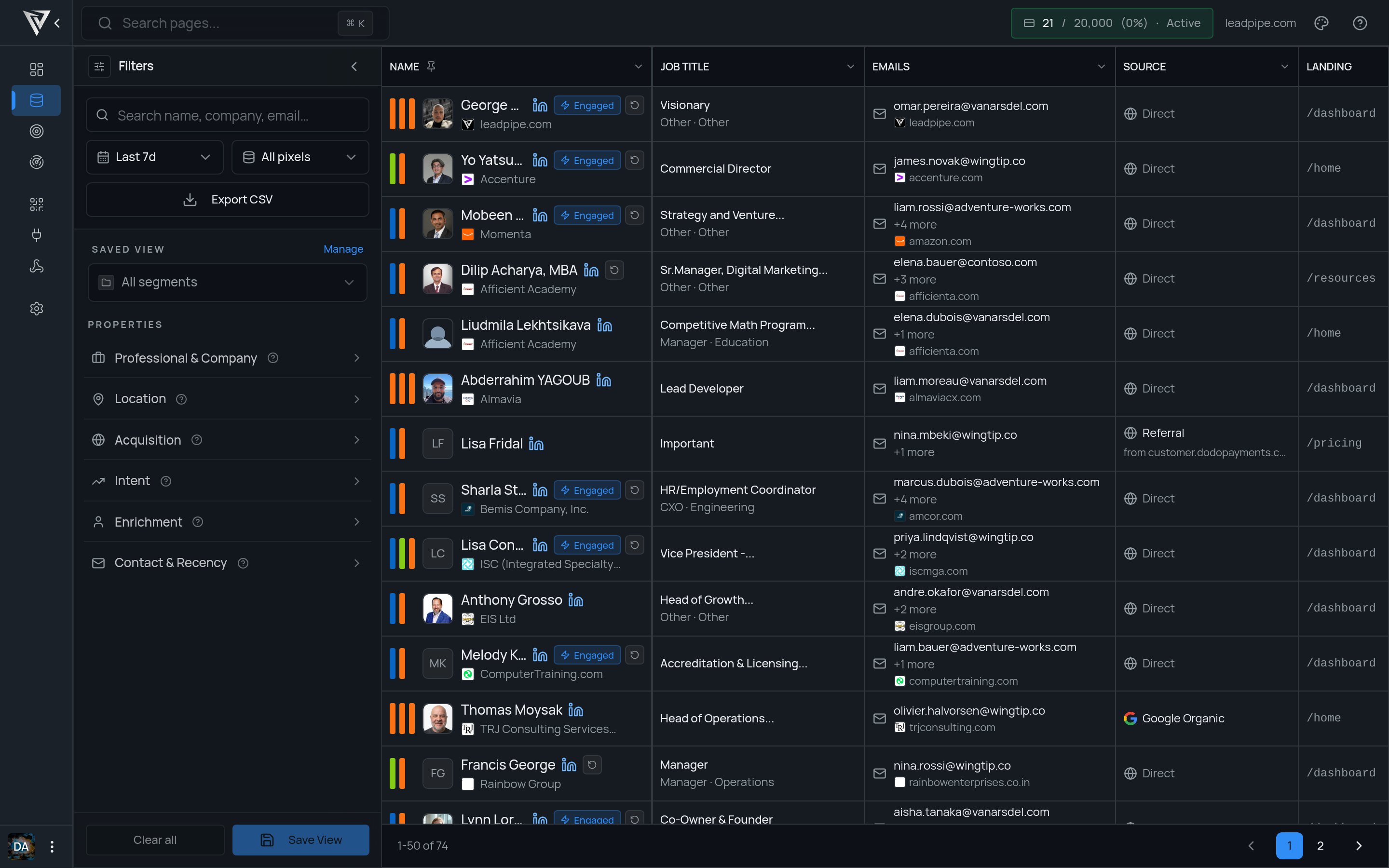
What the row states mean
Engaged
Engaged
Engaged is a row-level status that flags a stronger visitor signal than a basic one-off visit.Email Only
Email Only
Email Only means the record has an email-level identity but does not currently show the fuller named-person profile you see on richer rows.+N more
+N more
Values like
+2 more or +7 more mean Leadpipe has additional emails or phone numbers for that visitor beyond the primary value shown in the table.Read intent and engagement
Leadpipe surfaces intent signals so you can prioritize follow-up.High intent
High intent
A high-intent classification based on the qualification filters available to your organization.
Medium intent
Medium intent
A medium-intent classification based on the qualification filters available to your organization.
Low intent
Low intent
A lower-intent classification based on the qualification filters available to your organization.
Use the filters sidebar
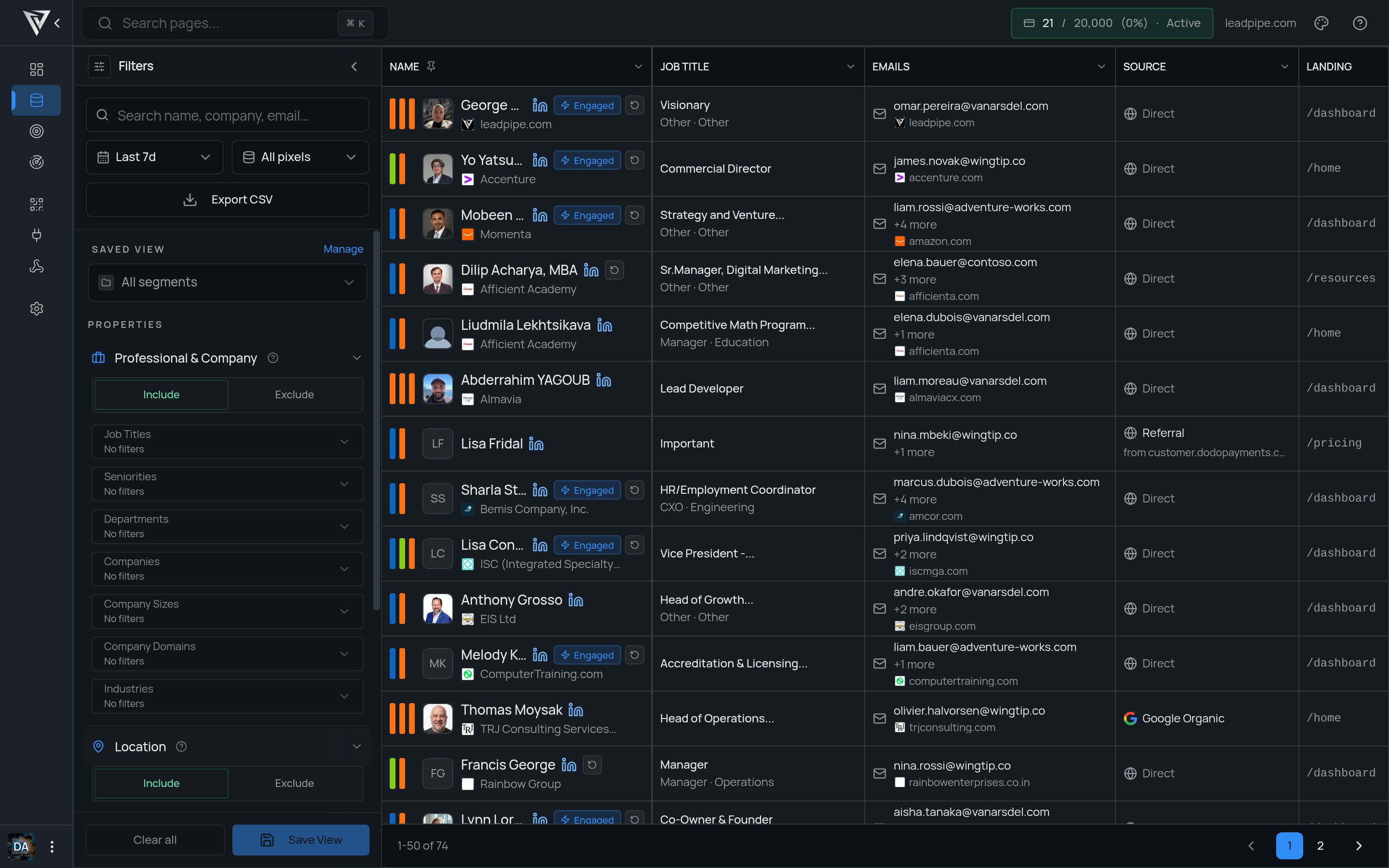
Professional & CompanyLocationAcquisitionIntentEnrichmentContact & Recency
A simple review flow
- Start with the current date range and pixel you care about.
- Scan the table for recent visitors, strong sources, and relevant landing pages.
- Add filters to narrow the list.
- Save the result as a segment once it becomes reusable.
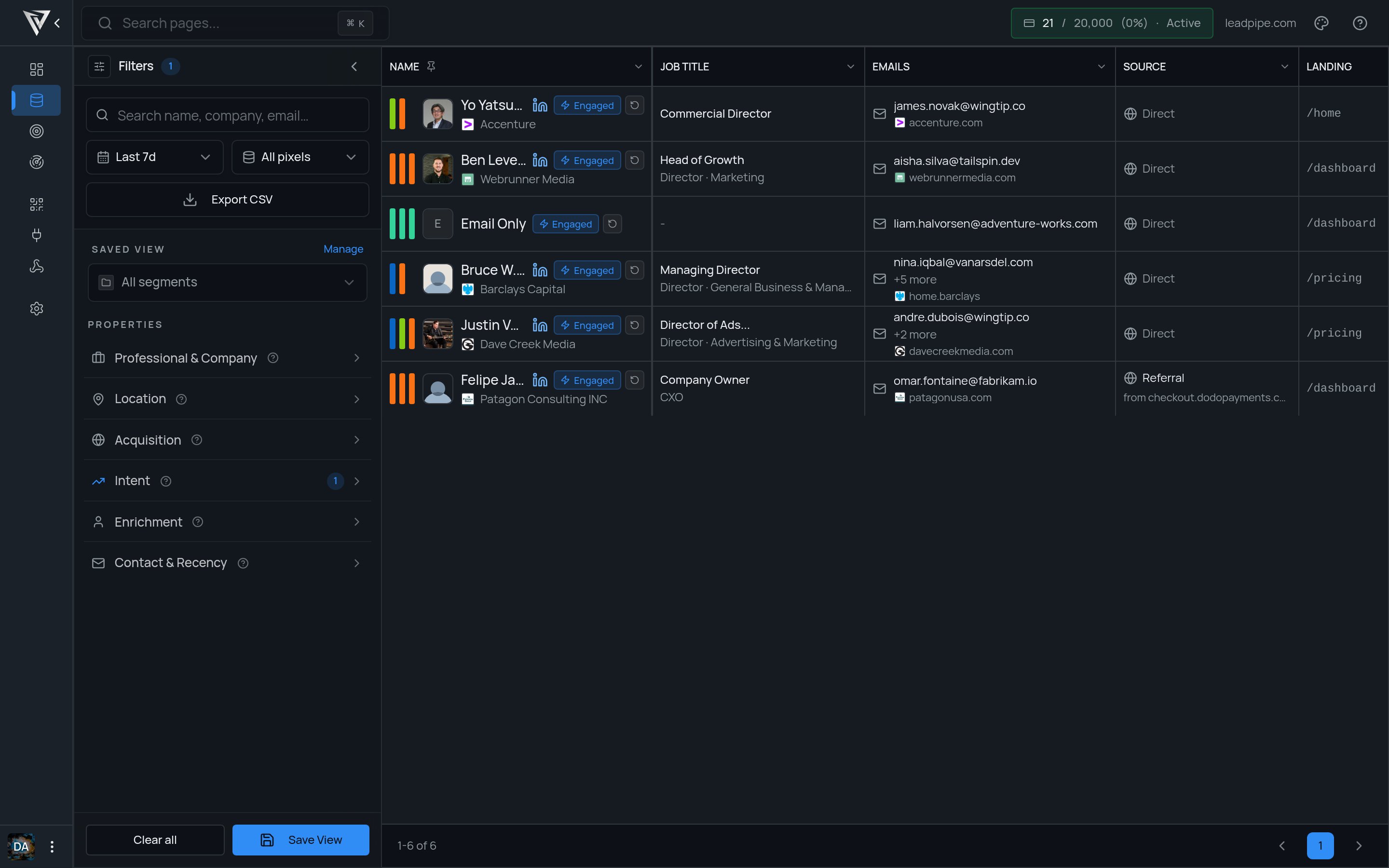
Export the current results
Select Export CSV to download the current filtered result set. Confirm the filters and pixel scope before exporting so the file contains the audience you expect.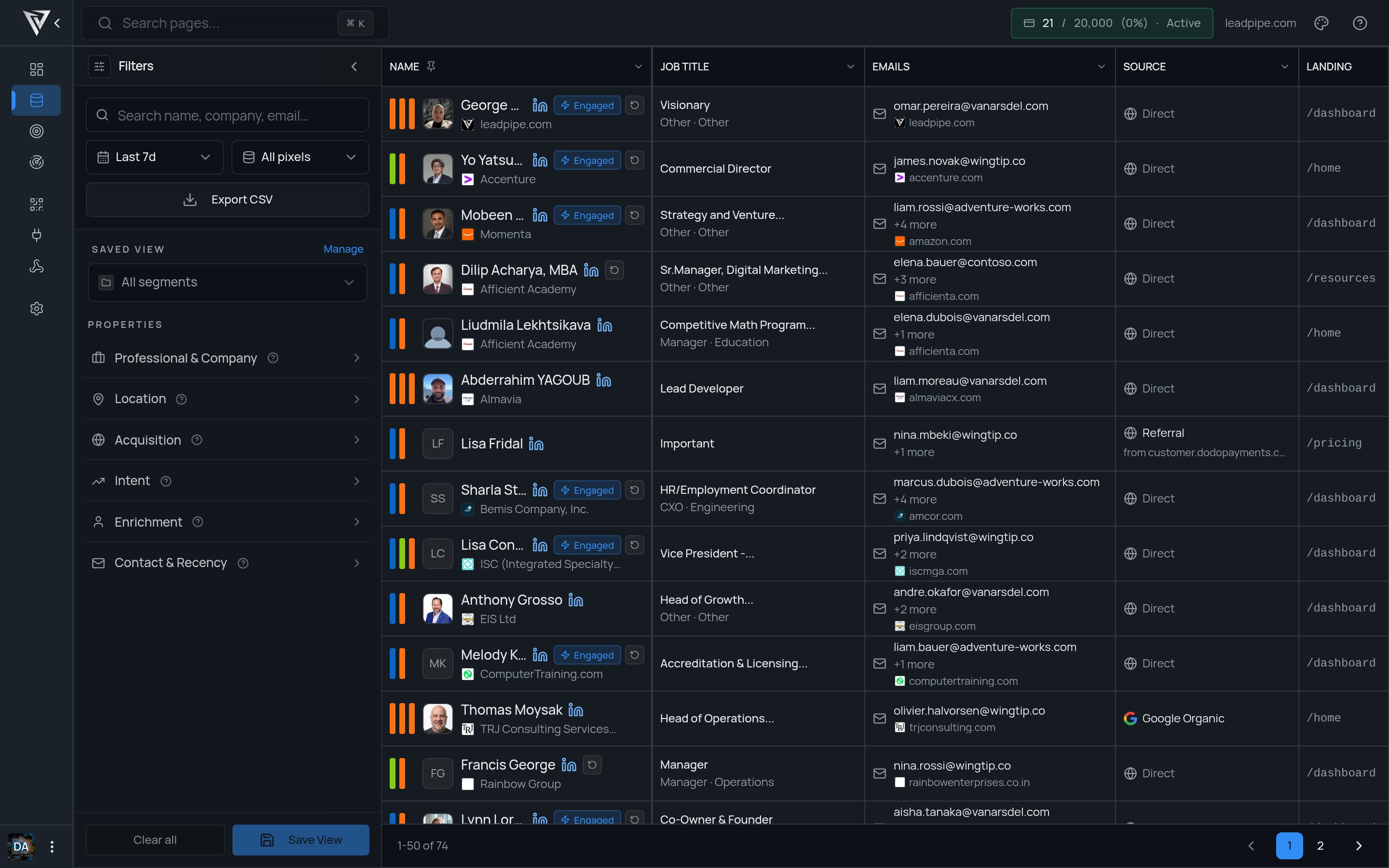
Start simple
Use the default table first. Then narrow the data with filters once you understand what healthy traffic looks like for your site. Focus on:- Recency, so you act on fresh visits
- Landing pages, so you know where interest started
- Source, so you can tie visitor quality back to acquisition
- Firmographics, so you can prioritize the right accounts
Next steps
- Use Filter, save views, and segments to turn this data into repeatable workflows.
- Use Set up integrations when you want visitor data to flow into external tools.