

Overview
Suppressed visitors are still identified, but they consume no credits and trigger no webhooks or integrations. Rules apply from the next sync cycle; they do not refund credits already used.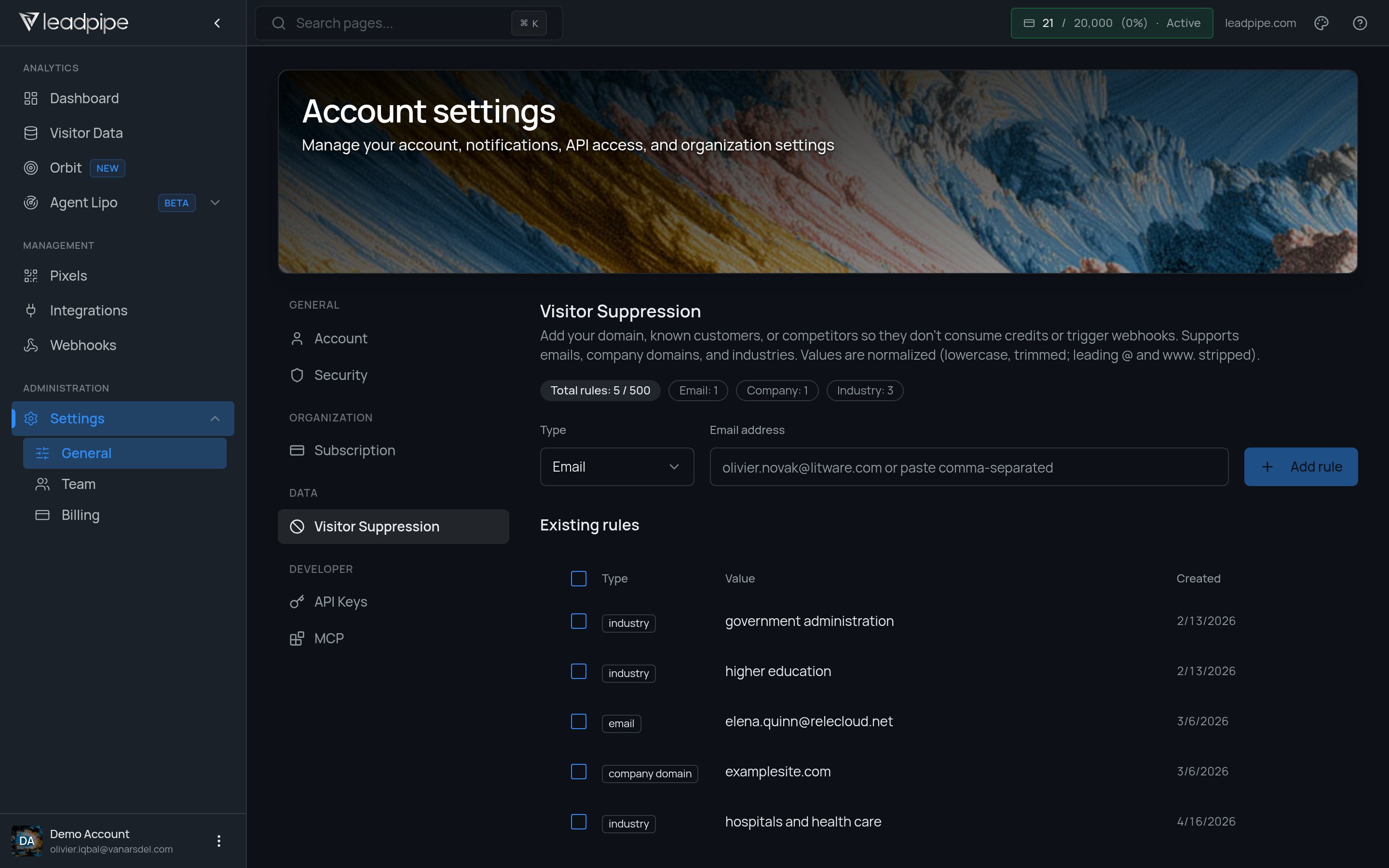
- Internal traffic
- Known customers
- Competitors
- Industries you do not want to target
Choose the right control
Filtering a table is not a guarantee that excluded rows will not consume credits. Suppression does not delete visitor data or remove records already delivered to another tool.
Add and verify rules
- Open Settings > Visitor Suppression.
- Choose the rule type and enter the value you want to exclude.
- For industry rules, use a value present in your visitor data. The industries endpoint returns valid values; a guessed label may match nobody.
- Save and review the rule list. Allow the next sync cycle to apply the rules before checking new automation activity.
Supported rule types
- Email domain
- Company domain
- Industry
When to use suppression
Use suppression when:- Your own team visits the site frequently
- Existing customers should not trigger outbound workflows
- Competitor traffic adds noise
- Certain industries are not relevant for your sales motion
Manage suppression programmatically
You can also manage these rules through the API, which is the better path when your exclusion list lives in a CRM export or a file your team already maintains. See Visitor suppression for uploading in bulk, syncing a source-of-truth list, and checking which industry values actually appear in your data.Best practices
- Add internal domains early
- Add known customer domains before you turn on automations
- Review the rule list regularly
- Keep the list focused on traffic you truly want to exclude
- Add rules before the unwanted traffic reaches downstream automations