

Overview
Leadpipe account management lives under Settings and related admin areas. This is where you manage:- Your profile and organization details
- Team access
- Billing
- API keys
- MCP setup
- Security controls
API key
Open Settings > API Keys to manage customer API access. Your role must have permission to view or change API keys. Regenerating the key invalidates the current one, so any scripts or downstream systems using it need to be updated immediately. For exact auth requirements, use the API docs rather than relying on the settings page alone.MCP
Open Settings > MCP for setup instructions tailored to Claude, ChatGPT, Cursor, and other MCP-compatible apps.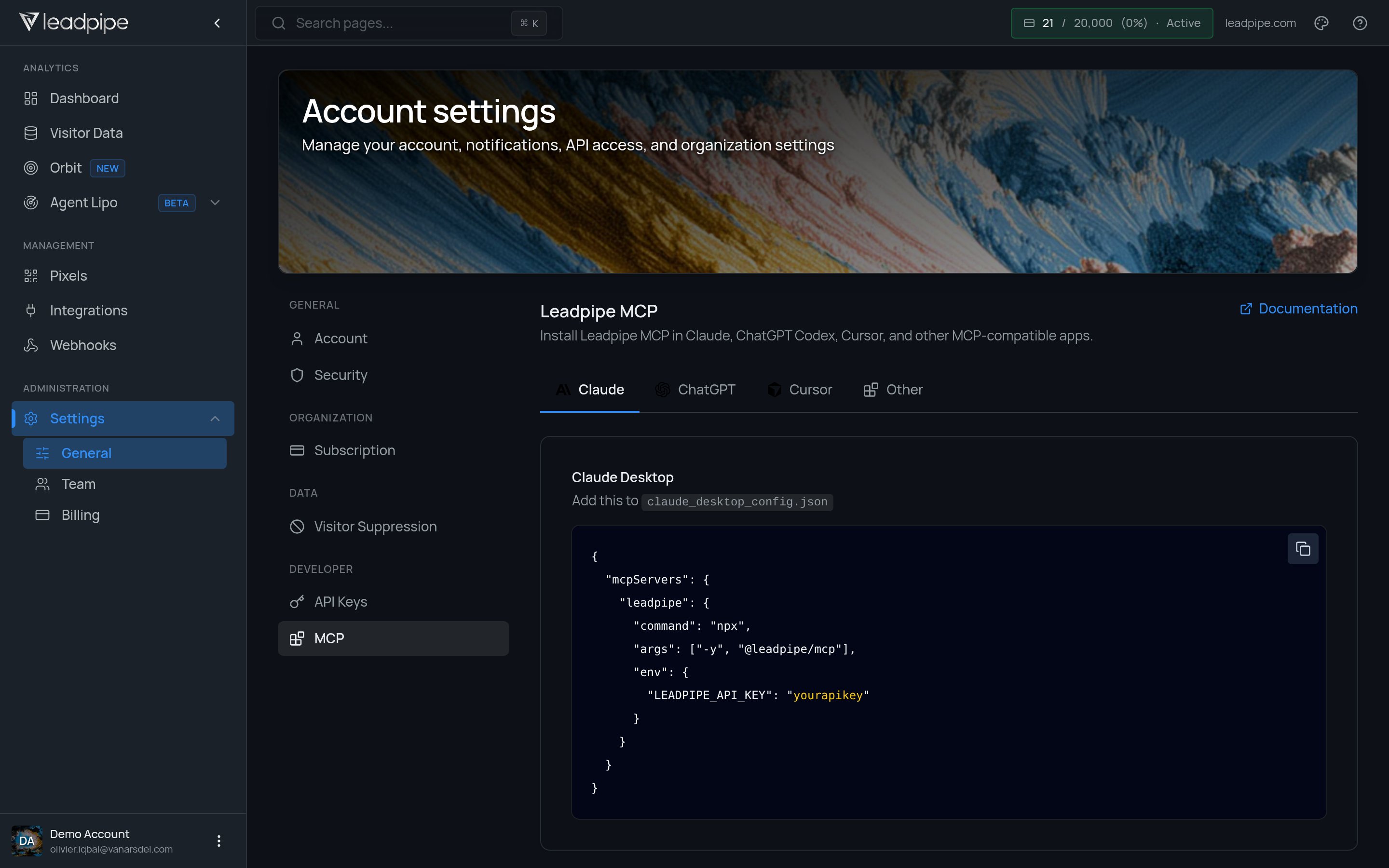
Visitor suppression
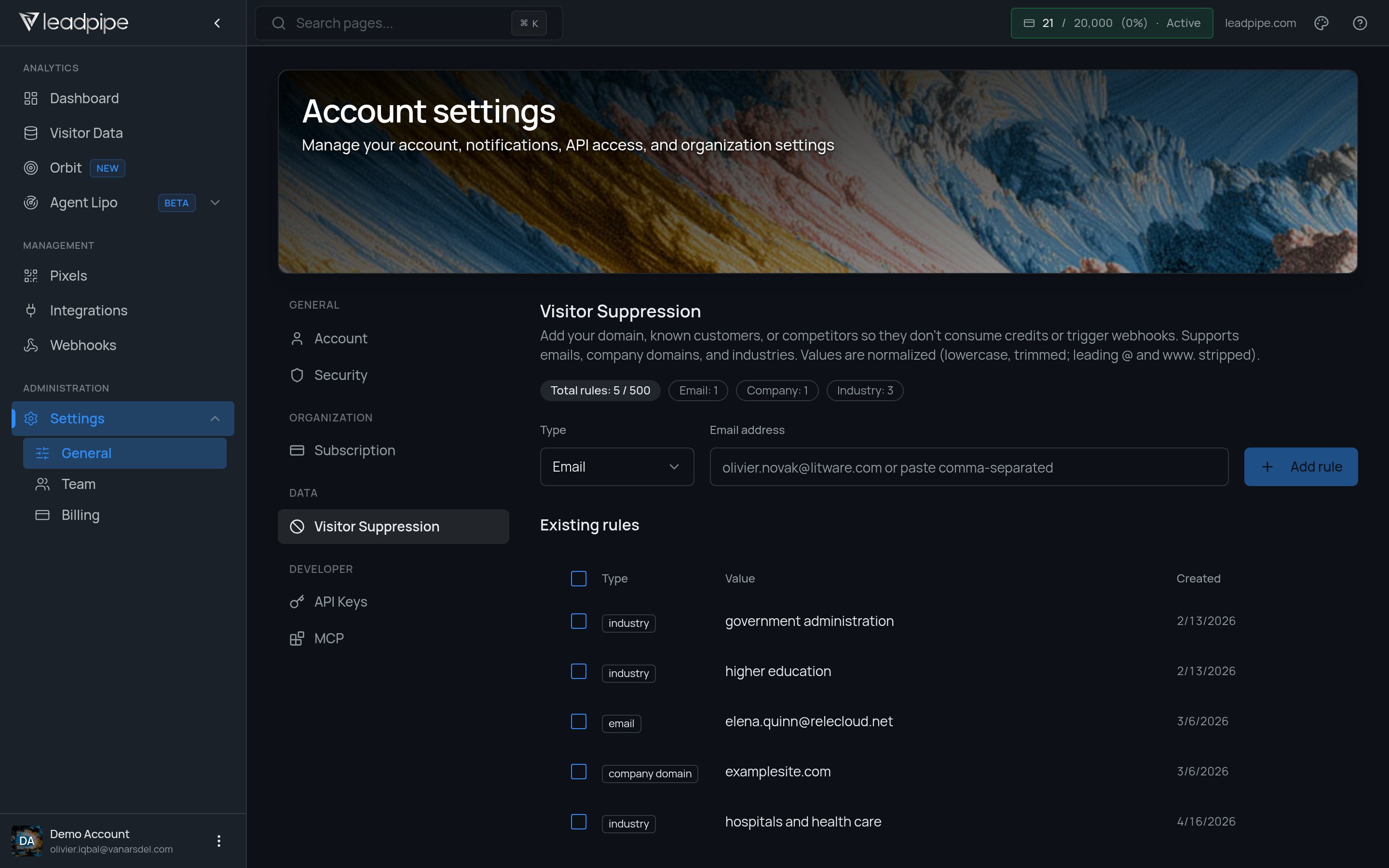
EmailEmail domainCompany domainIndustry
@ and www. where relevant.
Use visitor suppression to prevent matching visitors from consuming credits or triggering webhooks and integrations. Suppressed visitors are still identified.
Security
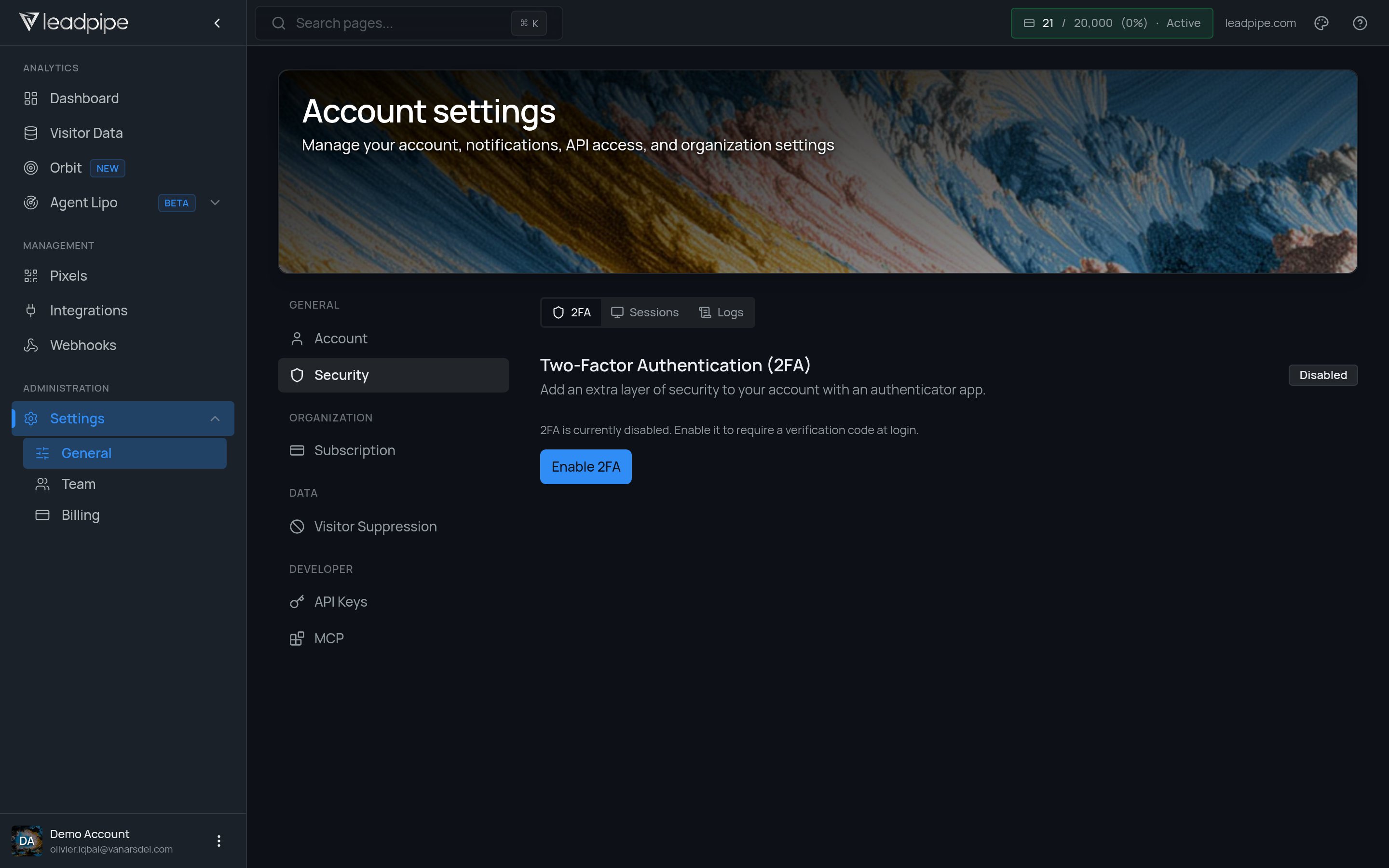
2FASessionsLogs
Team
Open Settings > Team to review access and invite users. The controls available to you depend on your role.Billing
The billing area shows the current plan and the options available to your organization. Because plans and pricing can change, the in-app billing screen should be treated as the current source of truth.Good admin habits
- Limit access to the people who need it
- Protect the API key and rotate it deliberately
- Keep MCP client configurations out of source control