

Overview
Webhooks let you send Leadpipe events to your own endpoints when visitors are identified or updated.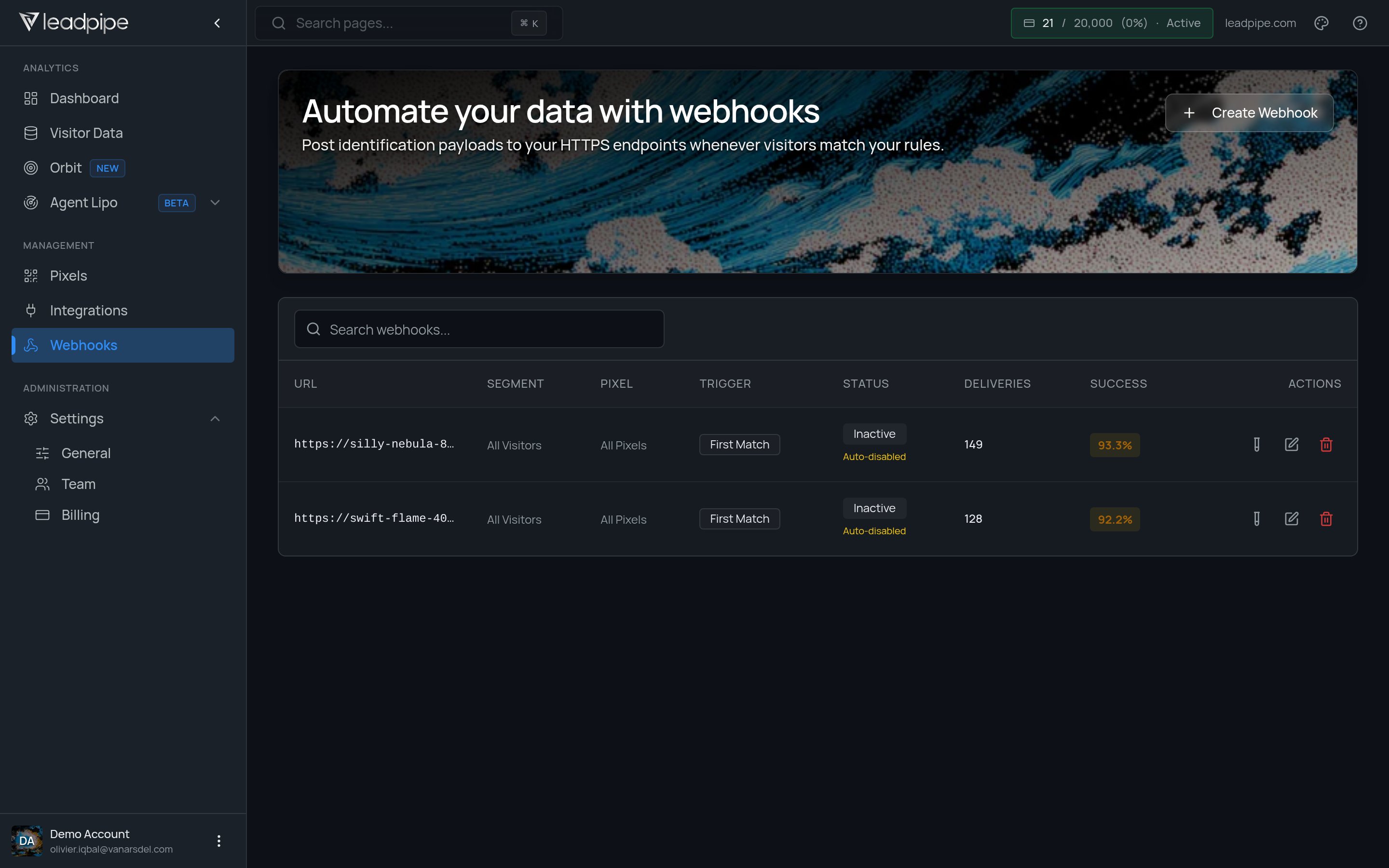
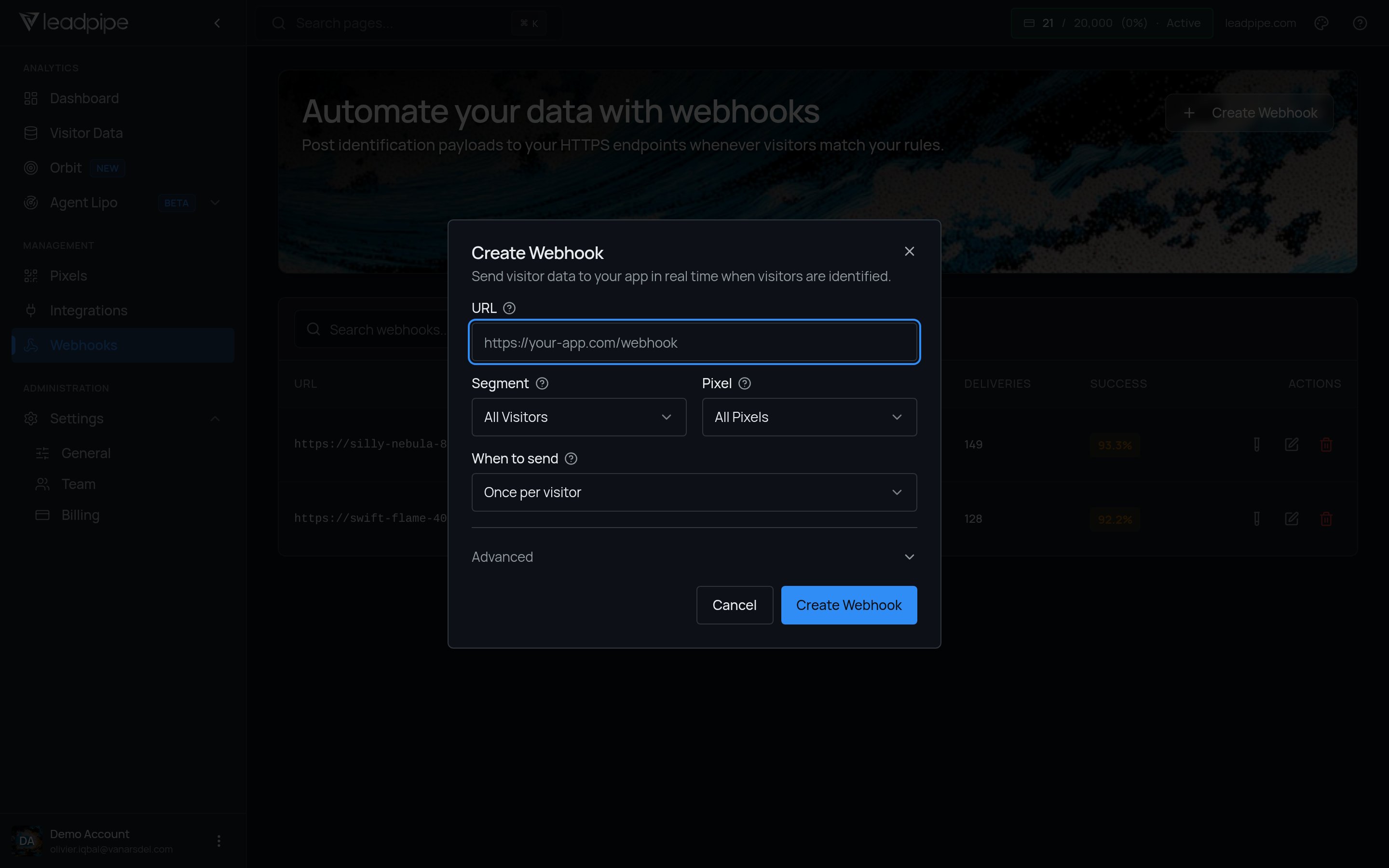
- A destination URL
- A segment
- A pixel
- A trigger
- Delivery status and success rate
Inactive or Auto-disabled.
Trigger types
Once per visitor / First Match
Once per visitor / First Match
Use this when you want one delivery for each qualifying visitor. Existing webhook cards label this trigger
First Match.Every Update
Every Update
Use this when the downstream system should receive qualifying visitor updates after the first delivery.
Recommended workflow
1
Start with a narrow segment
Limit the first webhook to a clear slice of traffic so you can validate the payloads and delivery behavior.
2
Pick the right trigger
Choose the send frequency that matches how your downstream system handles repeat deliveries.
3
Monitor delivery health
Review deliveries, success rate, and inactive status before scaling the webhook to more traffic.
Testing and delivery history
Once the webhook is configured, you can send a test payload and review delivery history to confirm the endpoint is receiving data correctly. If a webhook shows Auto-disabled, review its failed deliveries and fix the receiving endpoint before enabling it again.Verify your receiver
- Send a test from Leadpipe and save the redacted request body and response status in your own test logs.
- Check the event envelope and visitor fields in that payload. The Identification API uses different response wrappers, so an API response is not a substitute webhook fixture.
- Confirm the receiver accepts the payload and the destination record contains the expected fields.
- Test how your own receiver handles the same payload twice. Use an upsert or deduplication policy appropriate to the destination.
- Inspect one live delivery to verify segment, pixel, and trigger behavior. A successful synthetic test does not prove a visitor qualifies for live delivery.
Add attribution to webhook payloads
Add custom parameters to your pixel script when your webhook needs to identify the client, campaign, source, or another label associated with a visitor. Leadpipe includes those values in the webhook payload when it identifies the visitor. See Add attribution to a pixel for the format, rules, and examples.When to use webhooks instead of integrations
Use webhooks when:- You need a custom destination
- You want full control over downstream processing
- An existing integration does not fit your workflow